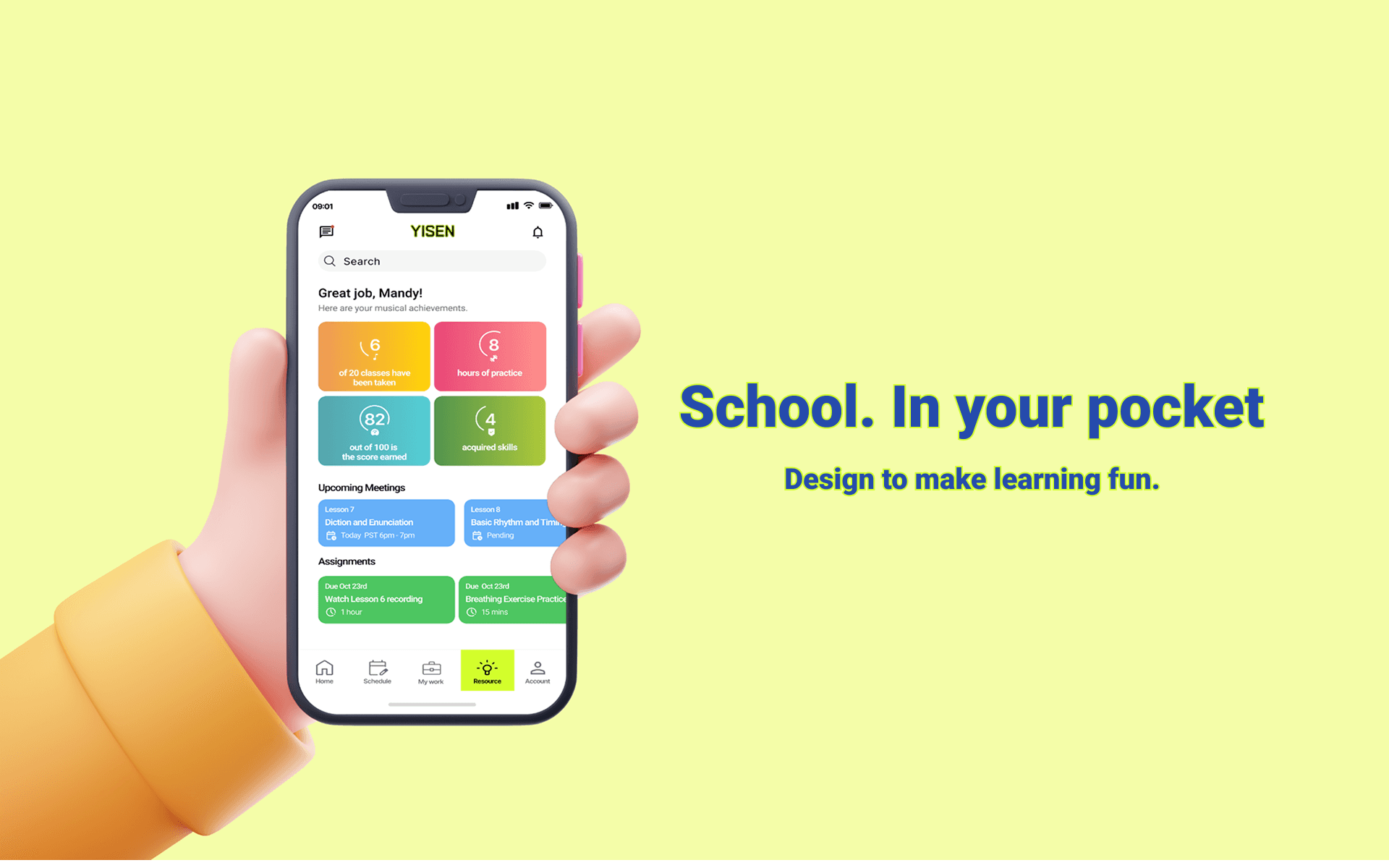
A centralized LMS built for music students to engage in personalized & flexible learning.
Agile Kanban-style working board
The platform featured a Kanban board where users could create, edit, and move task cards across stages like “To Do,” “In Progress,” and “Completed” to manage workflows efficiently.

Personal Dashboard & Others
04
The Home, Account, and Message pages provide a personalized dashboard, intuitive profile management, and seamless communication—helping users stay organized, connected, and engaged in their learning journey.
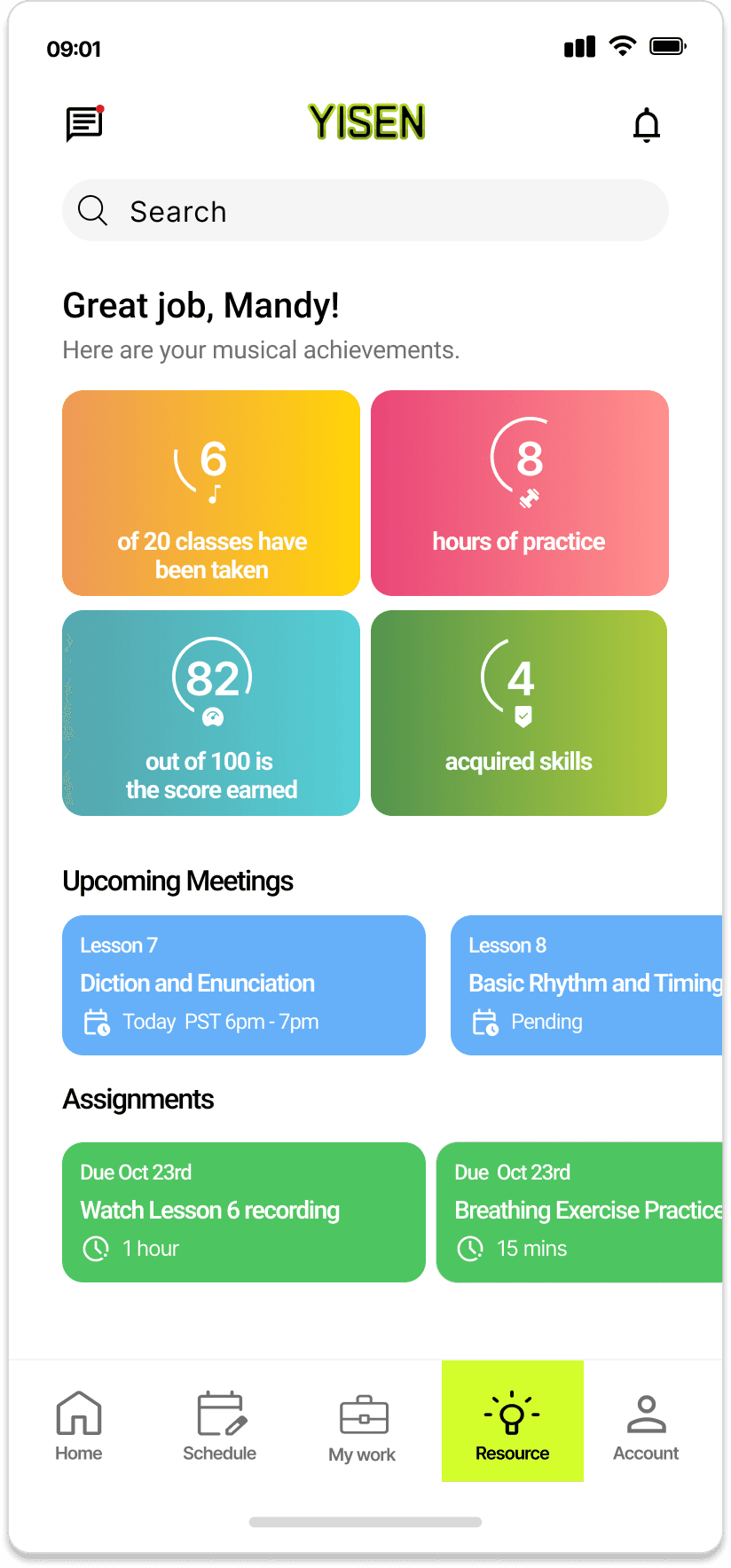
Personal dashboard — Summarizes learning progress, upcoming meetings, and personalized tips with visual metrics, giving users a clear overview of their performance and next steps.
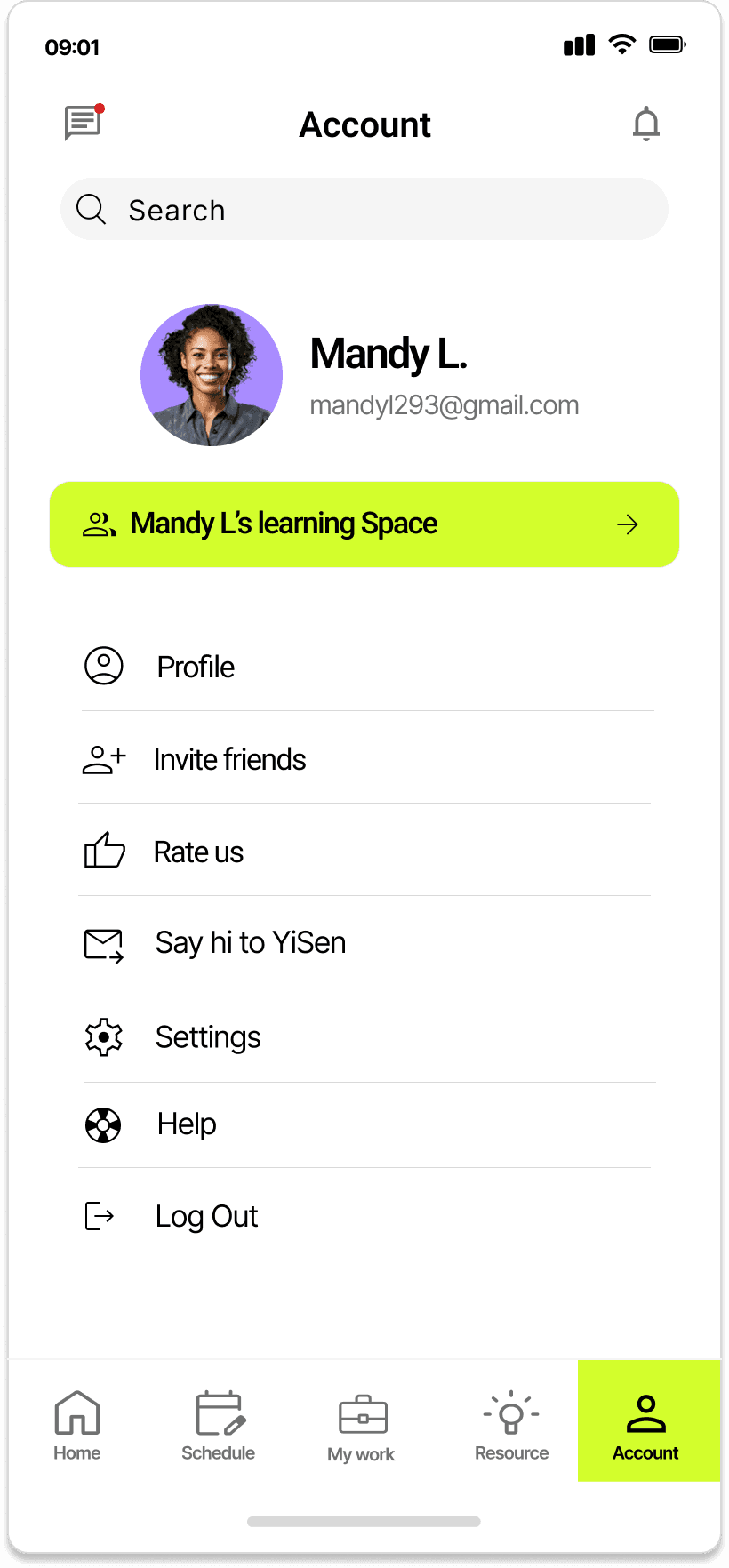
Account — Centralizes user settings and profile management, allowing quick access to personal info, learning space, and support options.
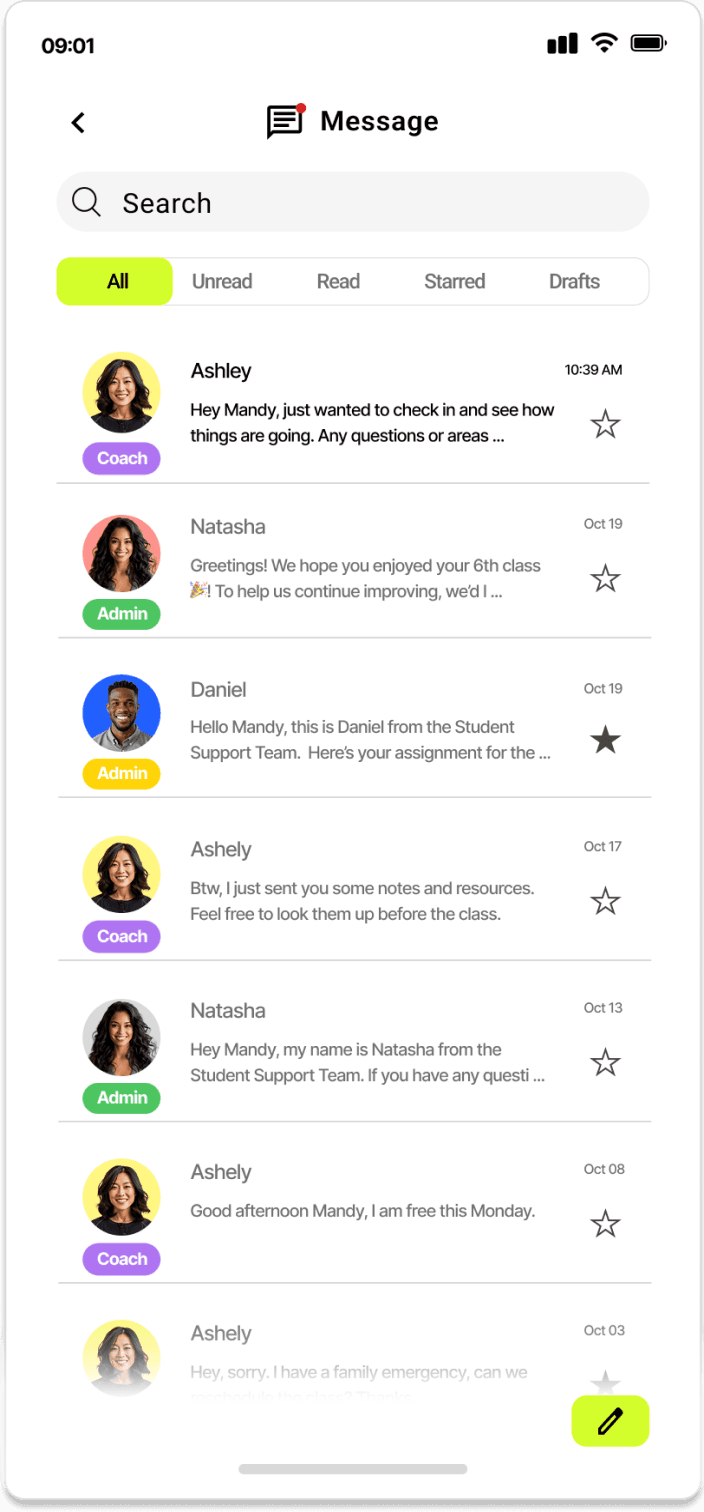
Message — Streamlines communication with coaches and admins, helping users stay updated and engaged through organized conversations.
Results
Feedback from users showed strong adoption of the new mobile app. Many appreciated the streamlined task tracking, easy access to learning resources, and on-the-go scheduling—quickly making the app their main tool for managing classes and assignments.
Some long-time web users initially preferred the familiar layout, so optional web-style navigation was planned for future updates.
Educators and administrators praised the platform for improving communication and transparency in learning progress, while new learners found it motivating and easy to stay organized—helping drive overall engagement and satisfaction across the system.
The Next Steps Are
Enhance AI intelligence to create a more personalized Interaction experience.
Analyze performance data after launch. Then organize idea based on data for the future iteration plan.
Onboarding user flow to ease the user learning curve considering the heavy-information digest experience inside the product.
More like this
Go Valley - Aug 2021
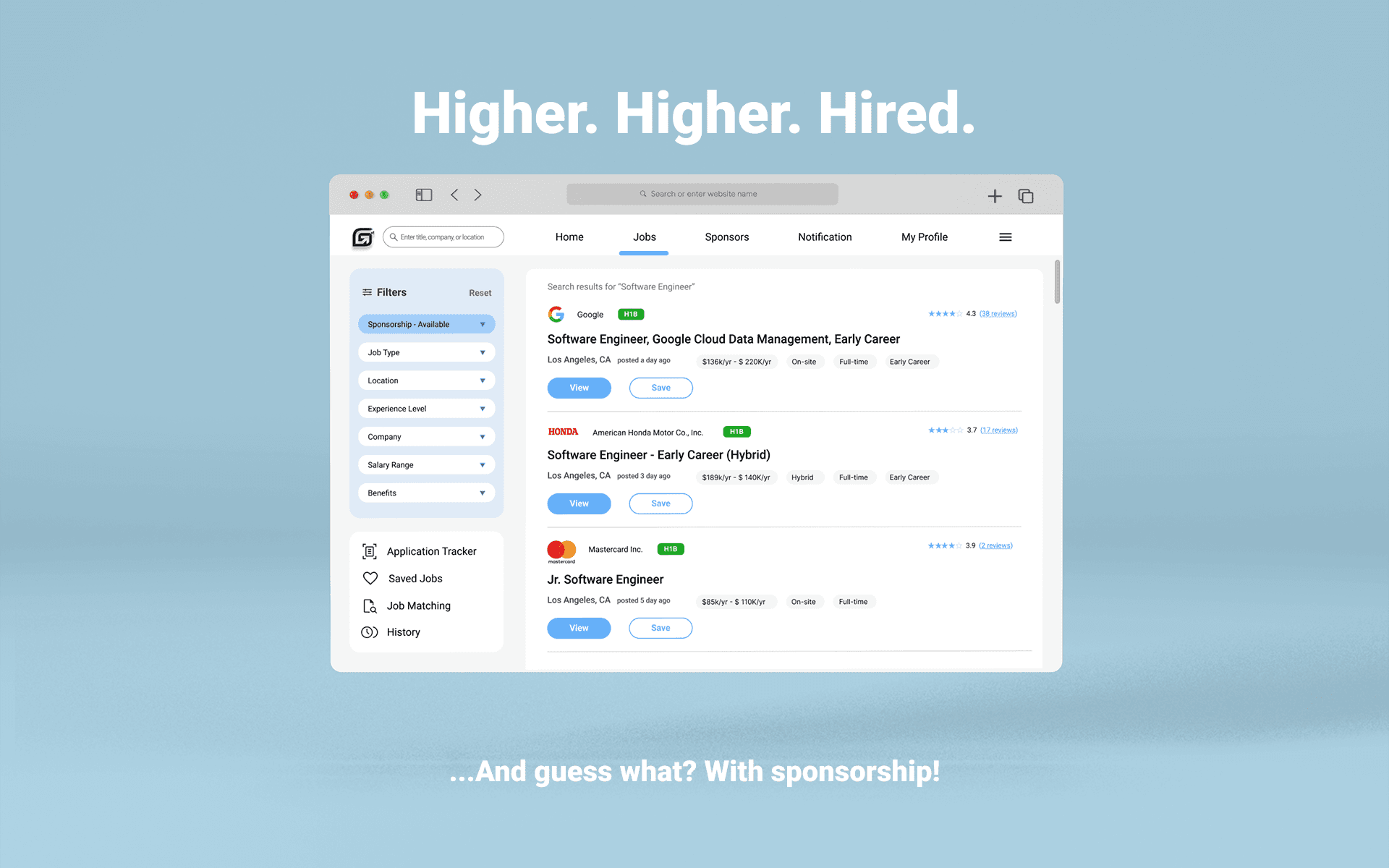
Simplifying job search for international users with sponsorship requirement.
View Project
WeTrust Realty - Mar 2025
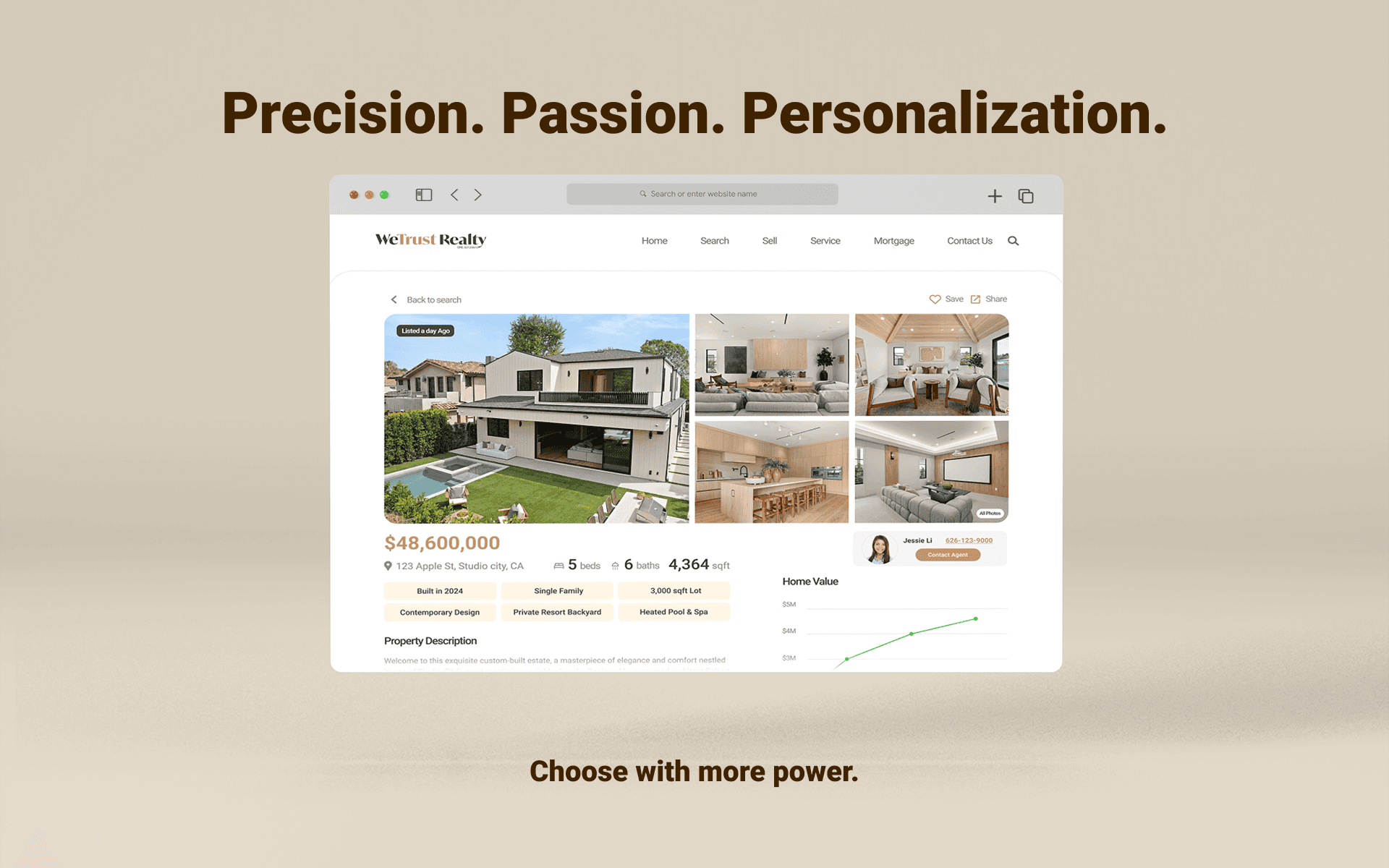
Real estate platform makeover with enhanced search & compare capability.
View Project
Approaching Solutions
Which core features should define the MVP?
To define the MVP scope, the team applied a structured prioritization process using the MoSCoW method.
Must have
Agile Kanban Board
Customizable Calendar
Resource Hub
Centralized
Dashboard
Surfaces key actions/tasks, reducing cognitive load
Direct fix for user scheduling frustrations
Consolidates scattered and siloed materials
Visual, flexible task management that supports user flow
Should have
Reorganize Menu
Progress Tracker
Chat Session
Improves navigation but not blocking core tasks
Boosts interaction; not necessarily for MVP
Supports motivation but requires planning
Could have
Reserved for potential future features based on user feedback
Won’t have
Color-Coding
E&I Interface
Add visual complexity without solving a major problem
Deemed out of scope; overlapped with other solutions
design an intuitive iOS app from scratch that engages users with simplicity, accessibility, and effortless navigation?
How might we...
Challenges
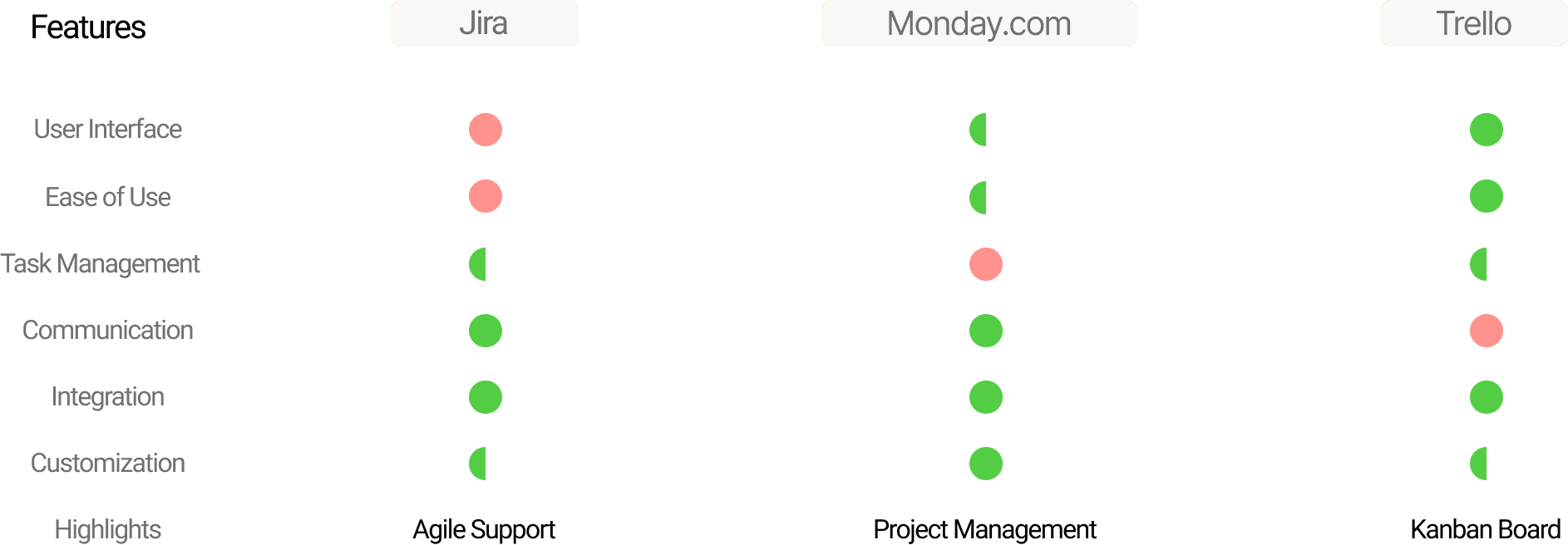
Three major challenges in the project management software industry, based on the pros and cons of Jira, Monday.com, and Trello, were:
Balancing Complexity & Simplicity
Excessive Customization
Inadequate Scheduling & Management Tools
Competitive Landscape Audit
A competitor audit of Jira, Monday.com, and Trello was performed to uncover valuable insights and identify potential features.
Key Insights
Navigation & Mobile Usablity
Complex System & Information Hierarchy
Inefficient Scheduling & Managing Tools
Lack of User-Customization
User Persona
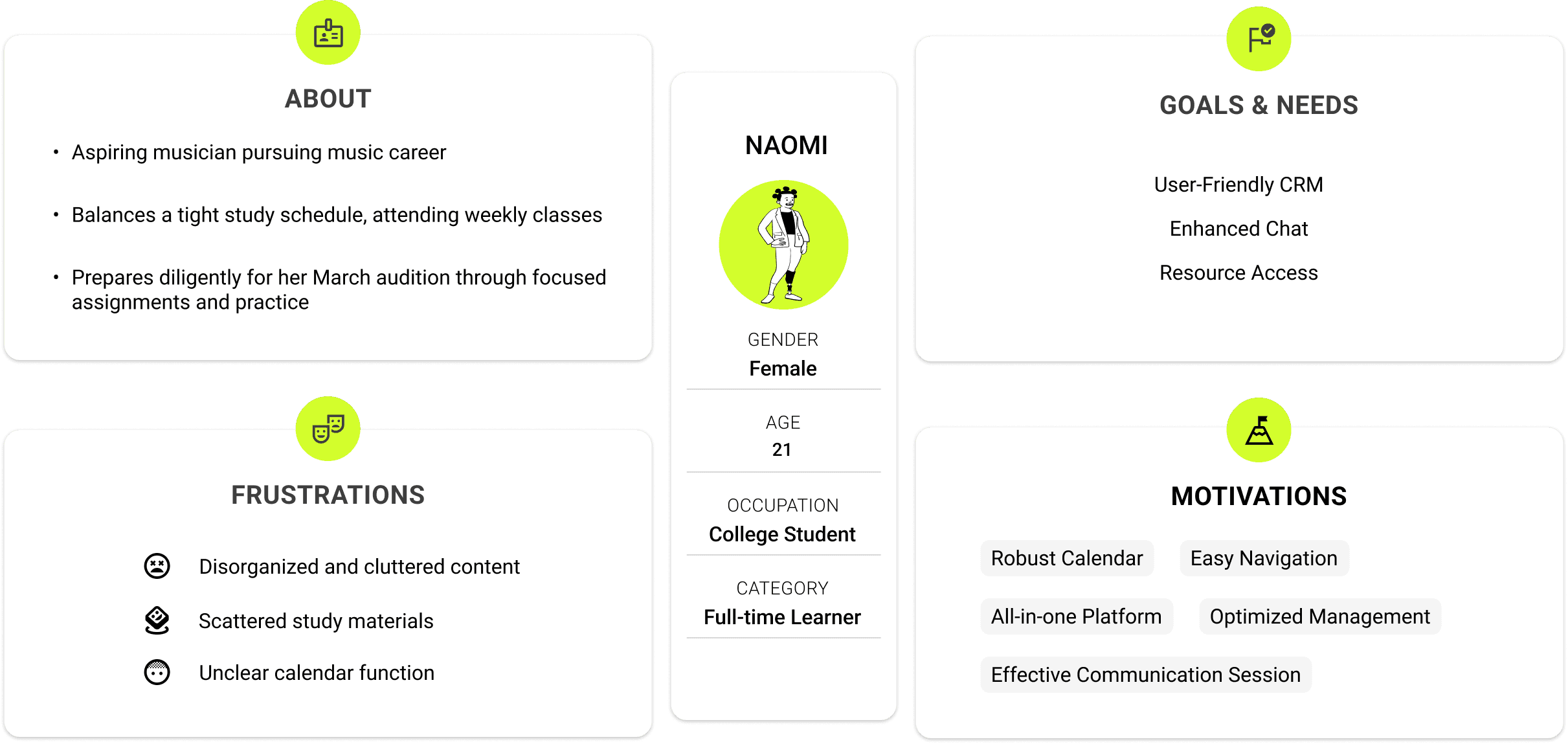
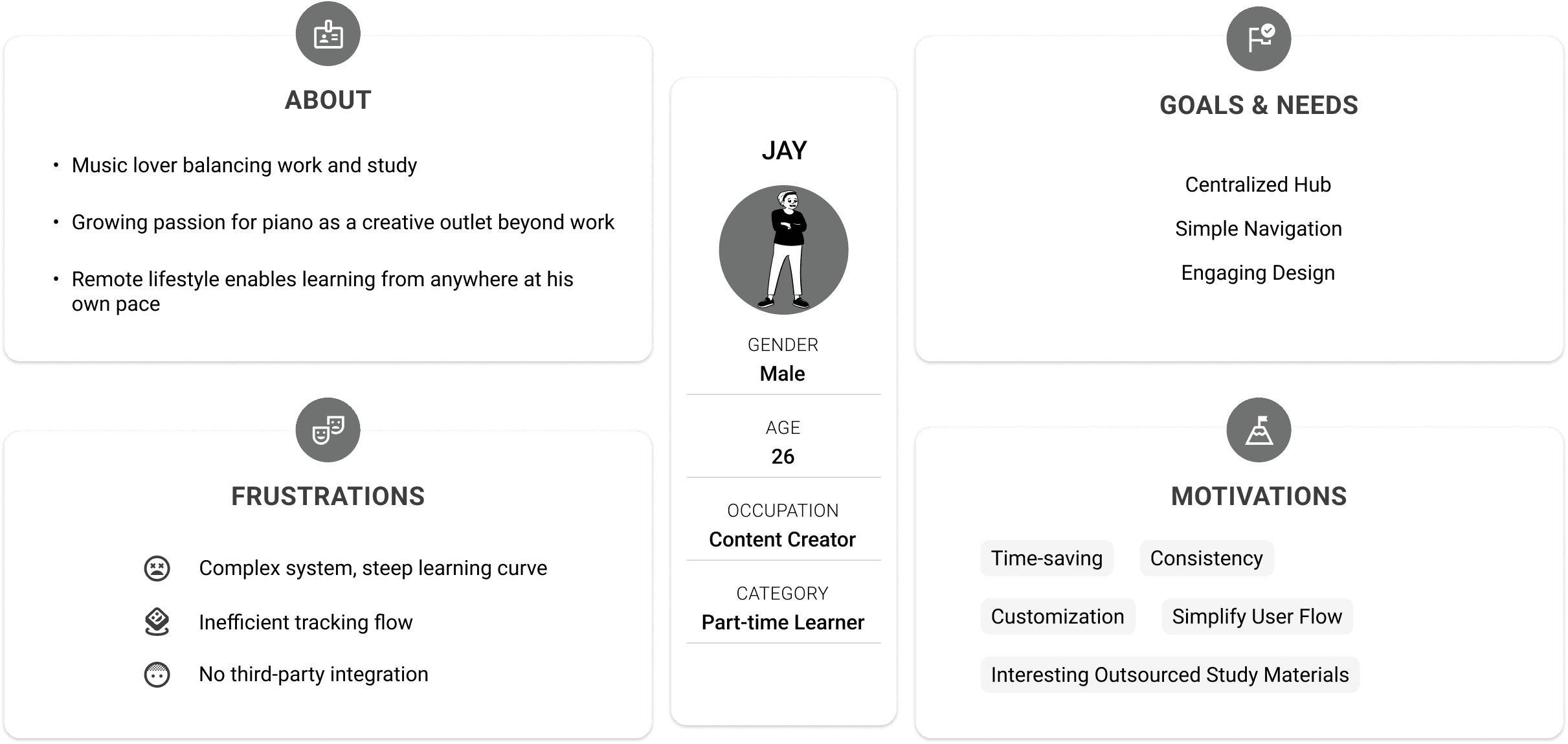
What did the users say?
To gather pain points, feedback, and suggestions, we conducted user interviews.
“The responsive version doesn’t display all the information properly, which makes it hard to navigate.”
“The online meeting tools are frustrating to use. It’s hard to schedule or join meetings smoothly.”
“I really need to understand the relationship and flow between each class.”
I’d love a way to explore other coaches or courses that fit my interests.”
“I want an easier way to track my progress.”
“It’s hard to keep up with lessons—I wish everything was in one place.”
“Right now, it’s too complicated with a lot of unrelated sources.”
“Accessing the syllabus on the CRM is confusing and not clearly formatted.”
“It's hard to find what I need, and I end up having to ask my mentor directly just to get clearer, quicker instructions."
Context
Problem Space
The existing website version was a rough build with limited focus on user-oriented design solutions. In discovery, we identified three primary problems with the old versions of the apps.
Low Adoption
Decline DAU
Poor Engagement
Highlights
Agile Kanban-style working board
The platform featured a Kanban board where users could create, edit, and move task cards across stages like “To Do,” “In Progress,” and “Completed” to manage workflows efficiently.

Customizable calendar
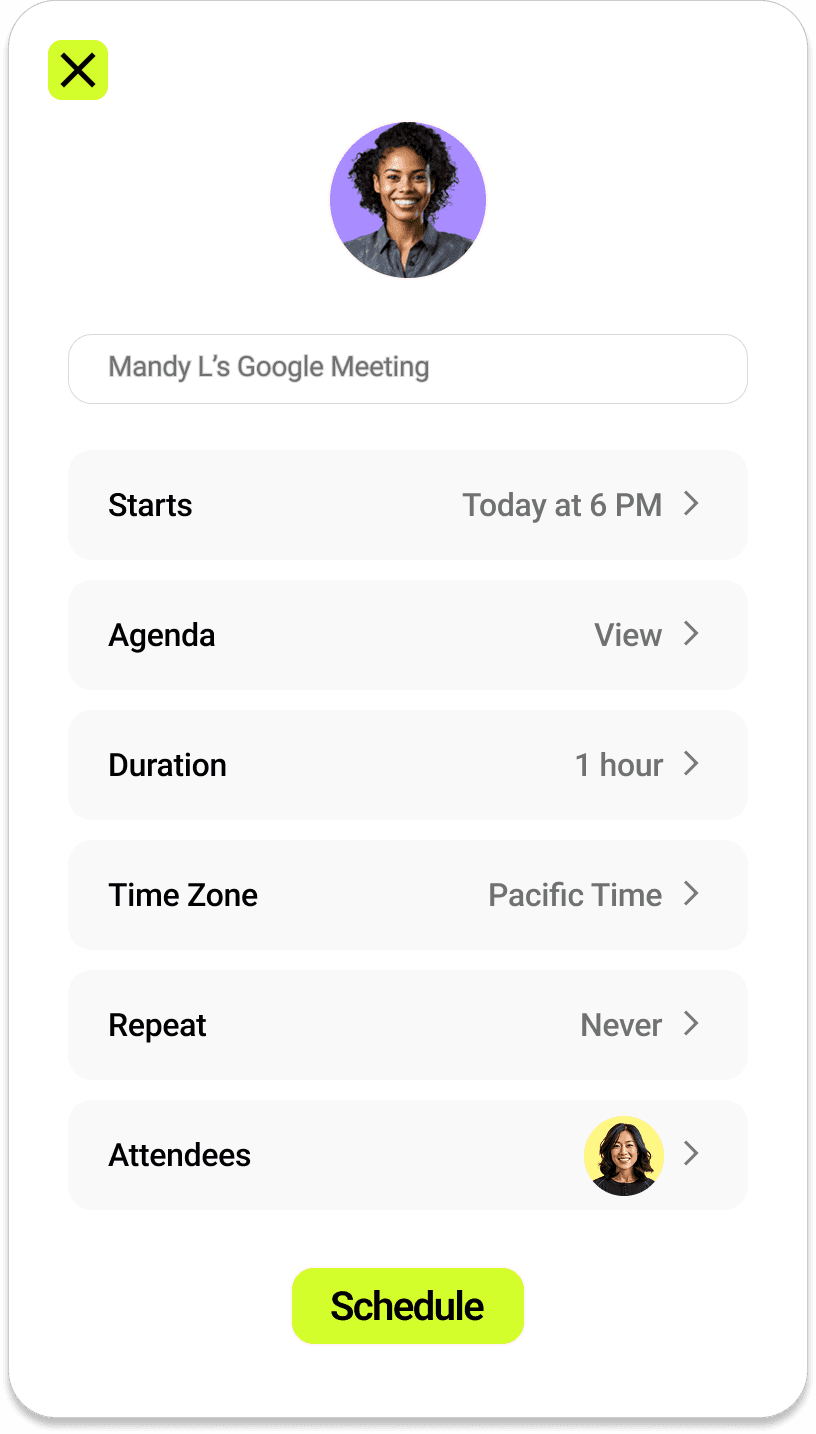
A built-in calendar provided a clear monthly view for scheduling, canceling, or modifying meetings—offering users greater flexibility in managing their sessions.

Resource Hub for easy content access and discovery
A resource hub centralized all learning resources, and an explore feature let users find top coaches and courses—expanding learning opportunities and motivation.

Interactive Performance Dashboard
The dashboard organized learning activities and tracked progress over time, giving users quick access to tools and a clear summary of their performance.

Overview
YiSen offers an 1:1 online education platform with a web-based CRM. To open and facilitate new revenue opportunities in the music education space, I designed a native iOS app—improving retention with tools to track progress, access resources, and manage tasks.
We significantly improved learning management and task tracking, with many users now relying on the mobile app as their primary tool for resources and progress tracking.
Opportunities
Business
Boost business impact by strengthening the brand, improving retention, and opening new revenue streams.
Design
The mobile app introduced on-the-go learning features, enabling users to track and manage progress anywhere.
My Role
Product Designer
Design System
Duration
Jun 2022 - Oct 2022
Team
Product Manager
2 Engineers
Platform
iOS Mobile App
Kanban-Style Working Board
01
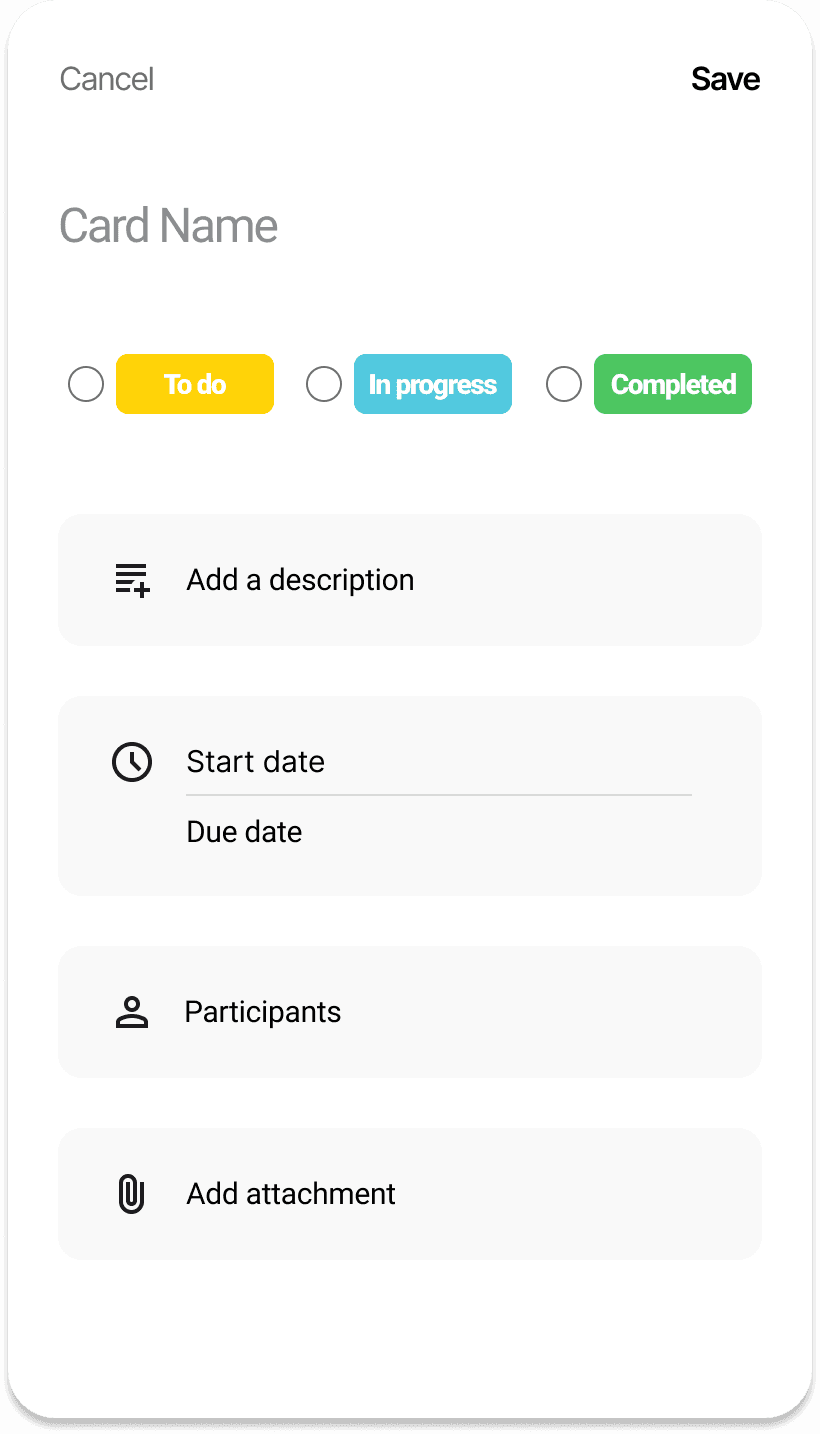
We introduced a visual, drag-and-drop board to help users manage learning tasks across stages like To Do, In Progress, and Completed.
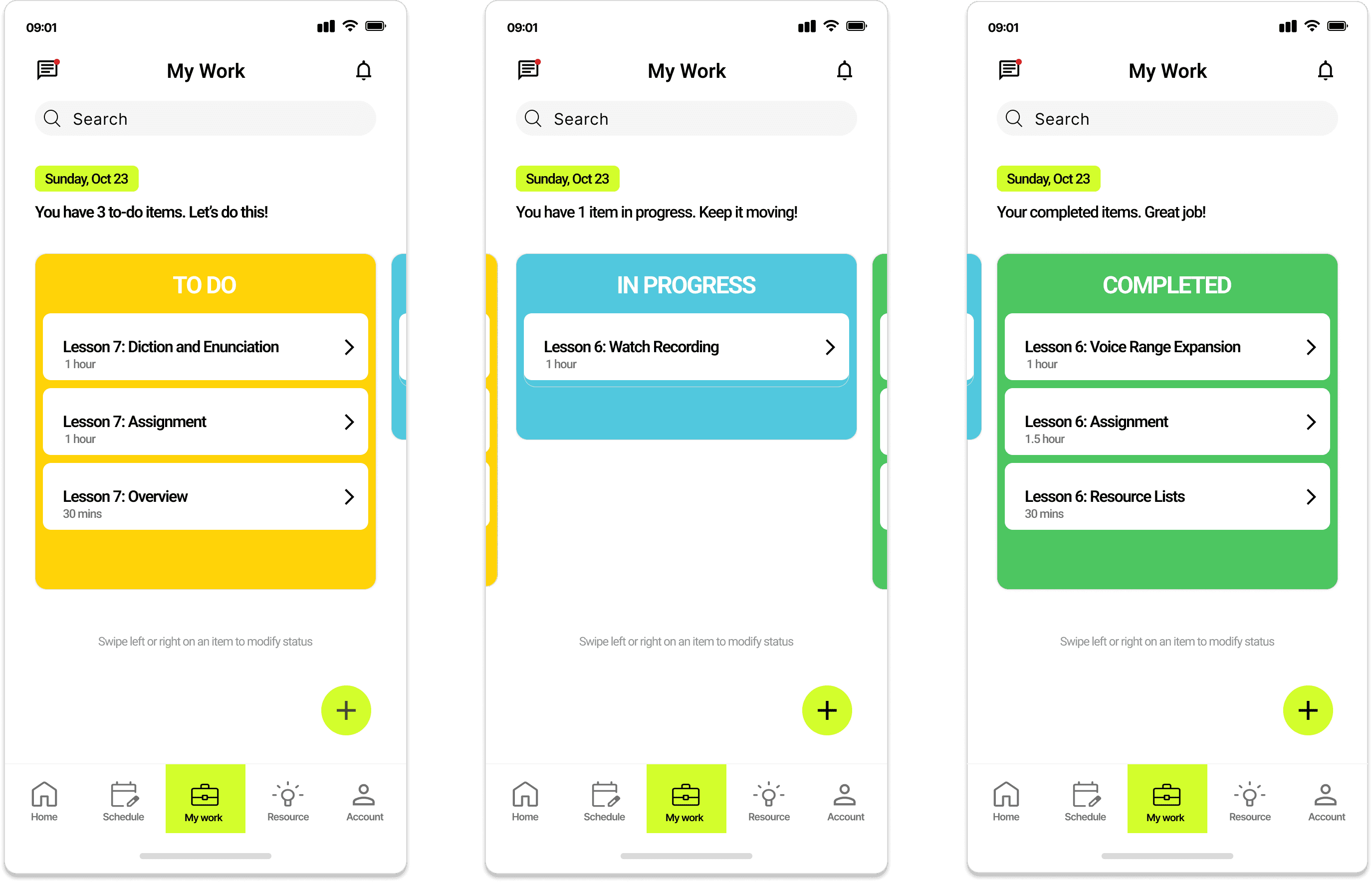
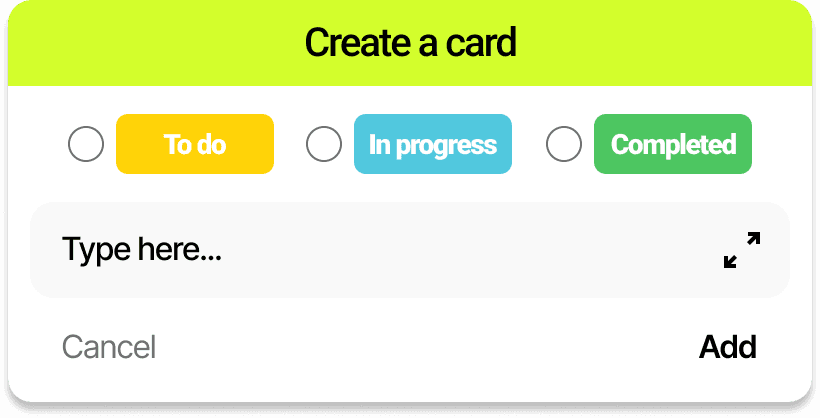
Users tap the “+” button to quickly create a new task card. They can then expand the card to add details such as description, dates, participants, and attachments for quick, organized task management.
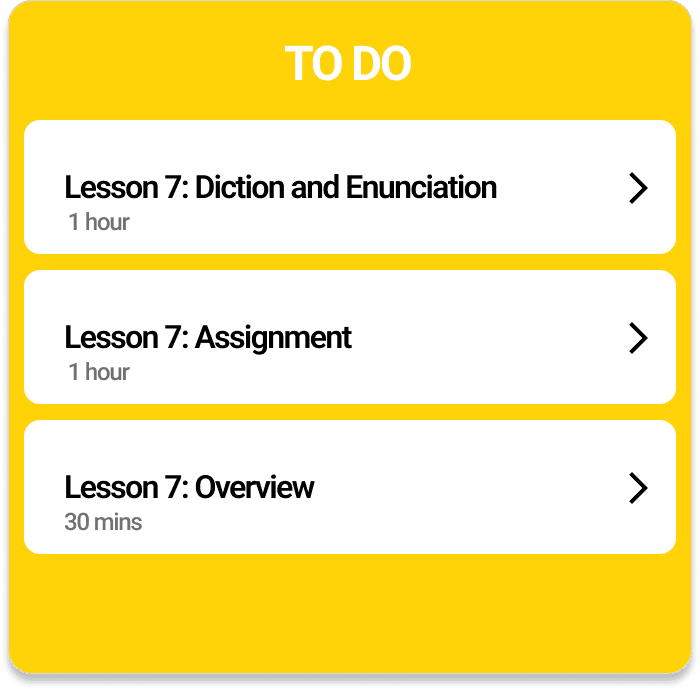
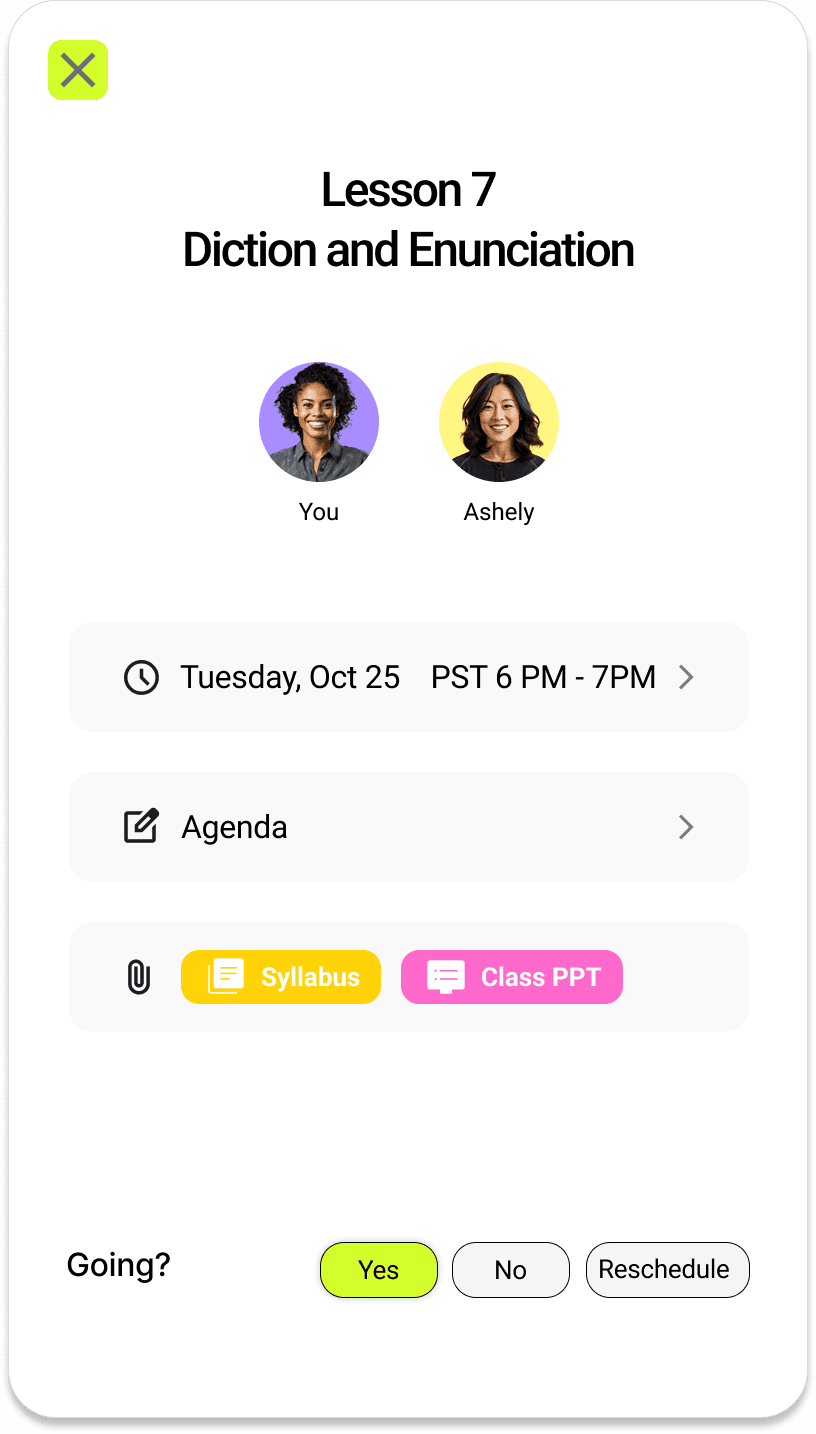
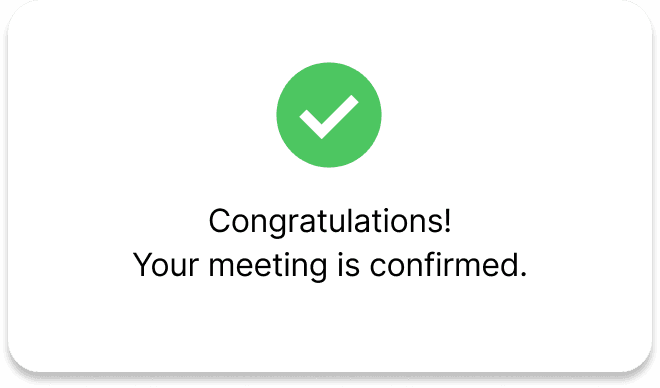
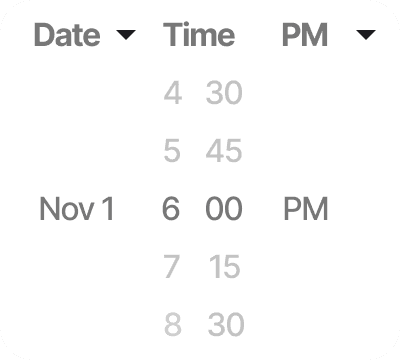
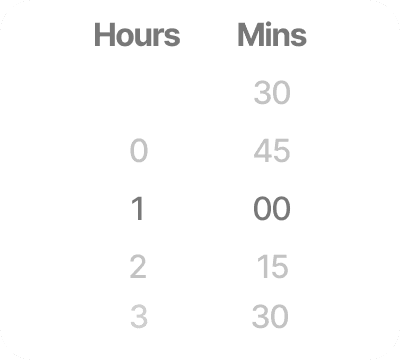
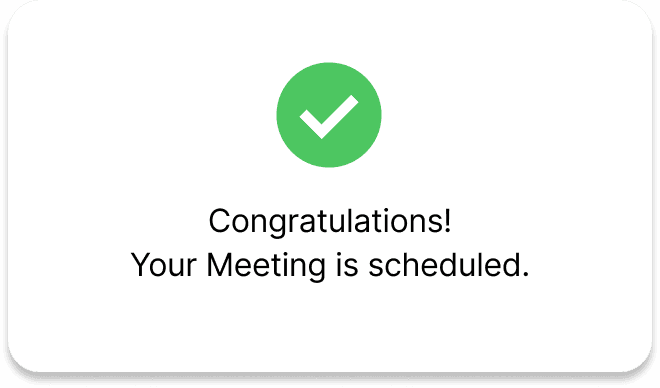
Users can select a lesson, view details like meeting time and resources, and confirm or reschedule attendance—streamlining management and preparation.
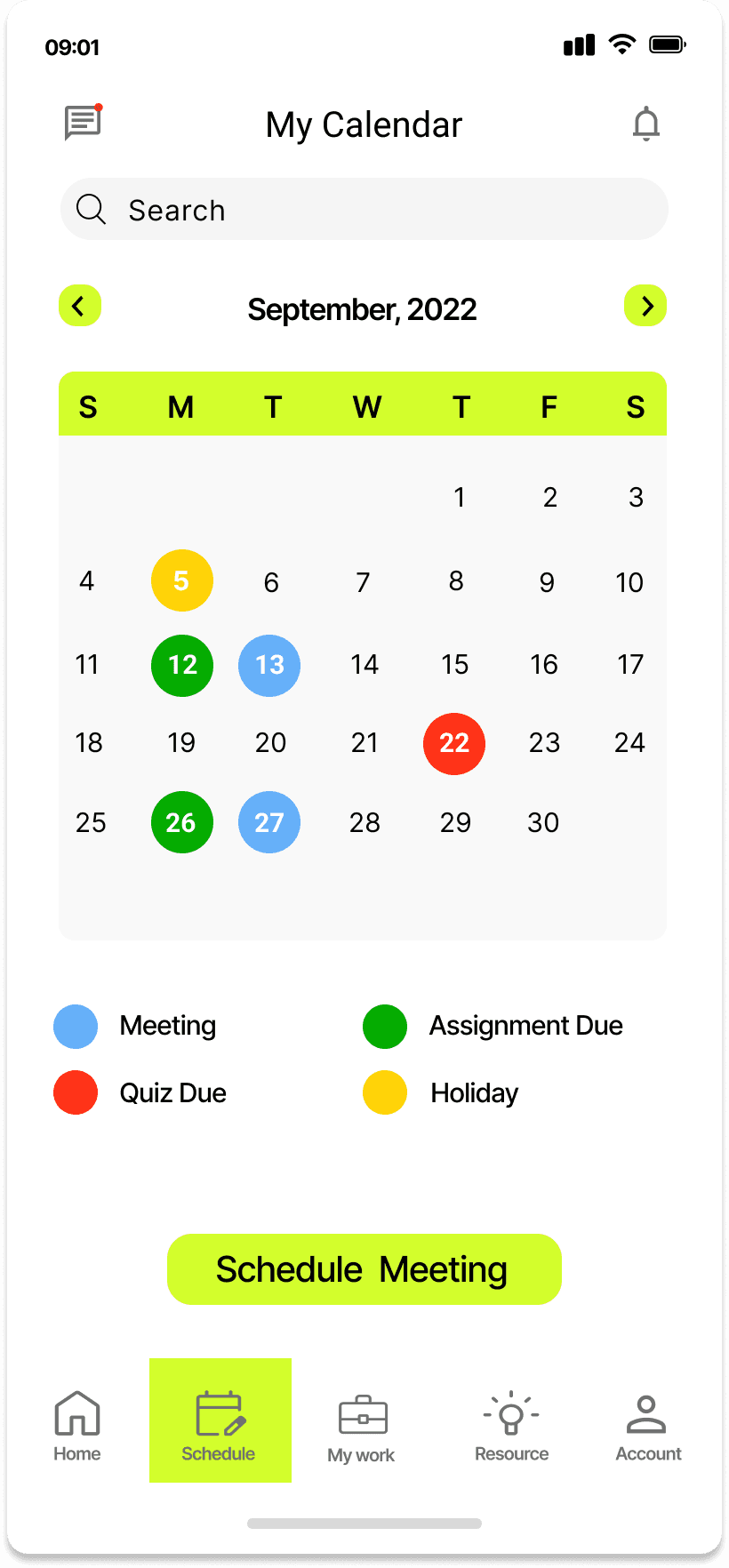
We explored two calendar concepts to assess clarity and usability. Testing showed Concept B offered a cleaner, more balanced layout that improved focus and scalability.
Bold color coding clearly differentiates event types.
Large calendar cells improve tap accuracy and visibility.
Overly bright colors create visual noise and distraction.
Bulky layout takes up too much vertical space.
Limited scalability for smaller screens.
Concept A
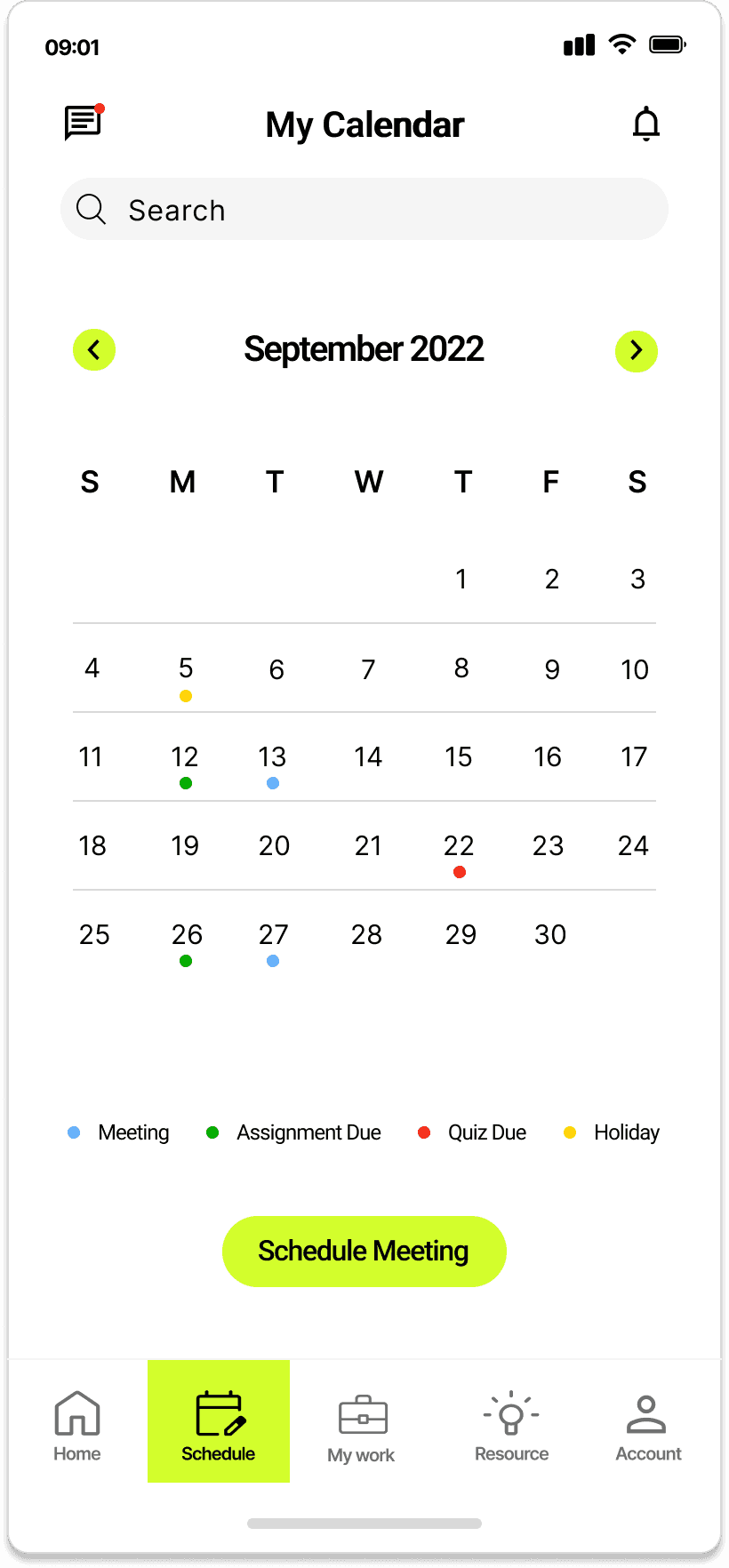
Soft color guide focus without overwhelming users.
Compact design allows better adaptability.
Improved whitespace creates a calmer, modern interface.
Clean layout enhances readability and visual balance.
Smaller tap targets slightly reduce ease of interaction.
Concept B
Users can select a lesson, view details like meeting time and resources, and confirm or reschedule attendance —streamlining class management and preparation.
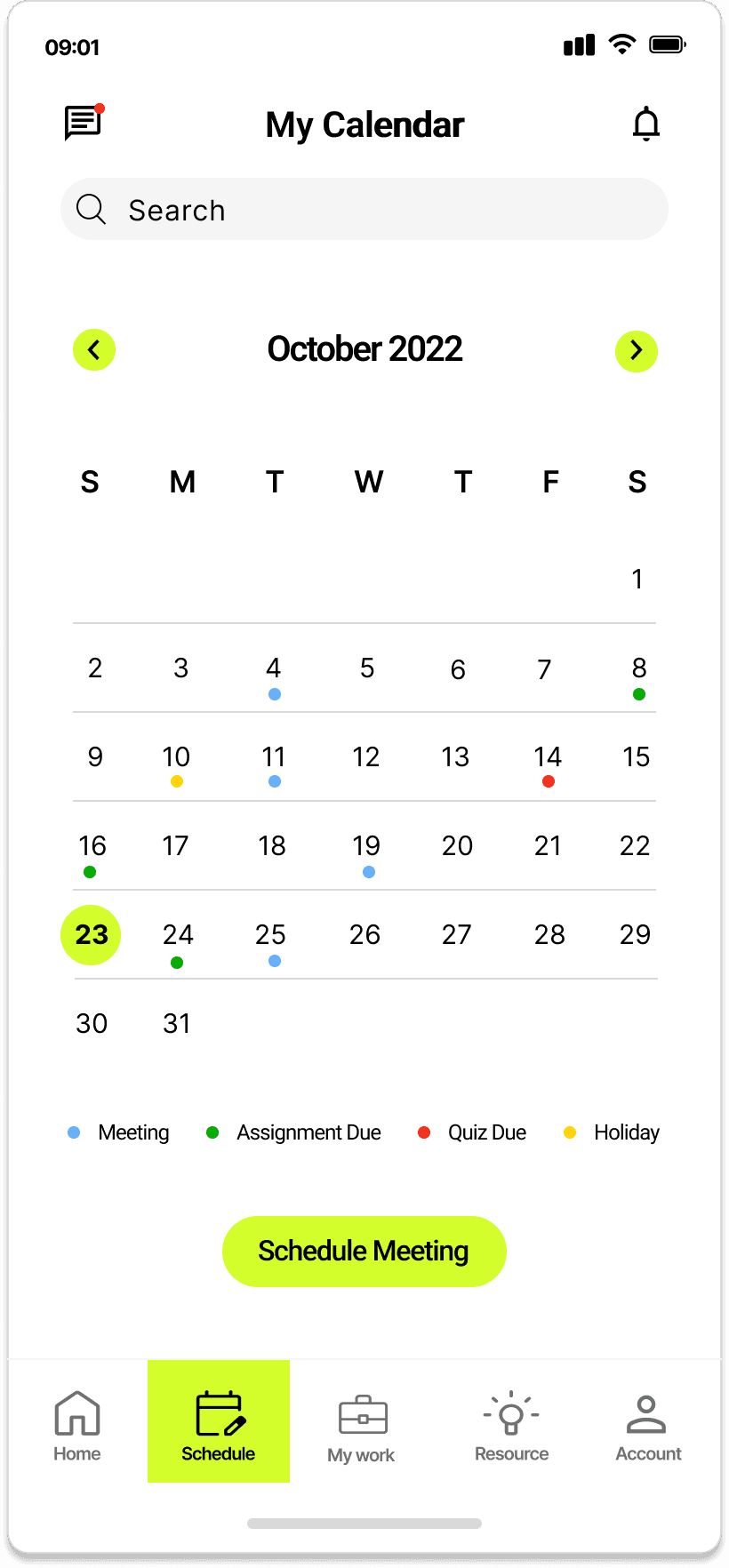
Customizable Calendar
02
Resource Hub
03
The Resource Hub neatly organizes all learning materials into intuitive folders for easy access.
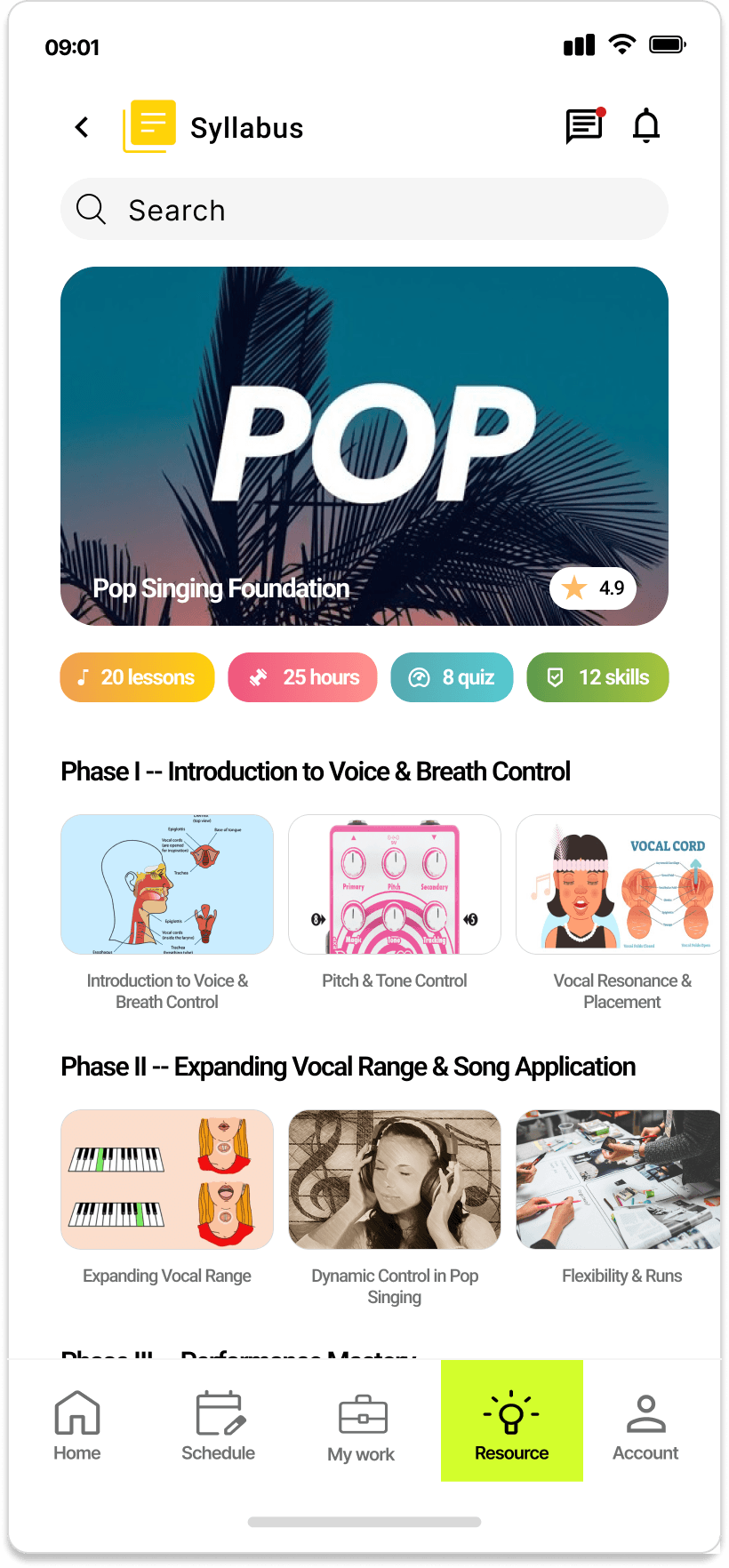
Syllabus -- Organizes lessons into structured phases with visual previews, making it easy for users to follow their learning journey.
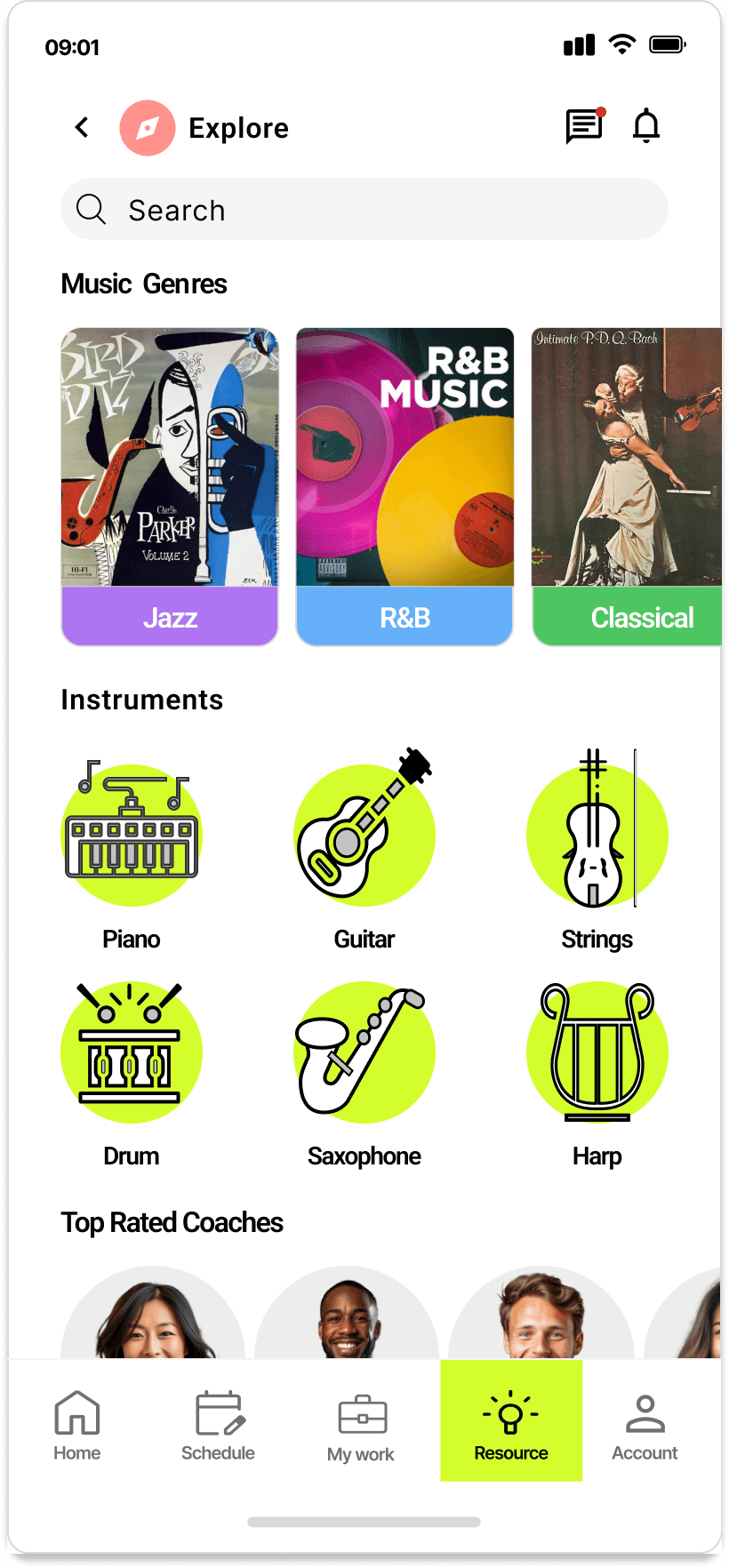
Explore More - Encourages discovery through curated genres, instruments, and top-rated coaches to inspire engagement.
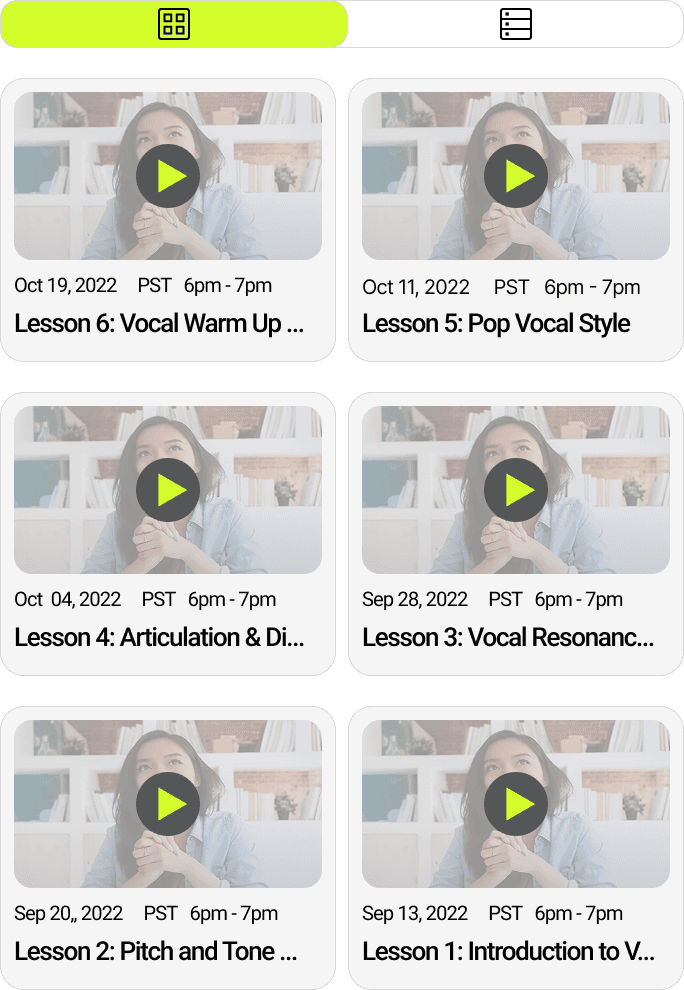
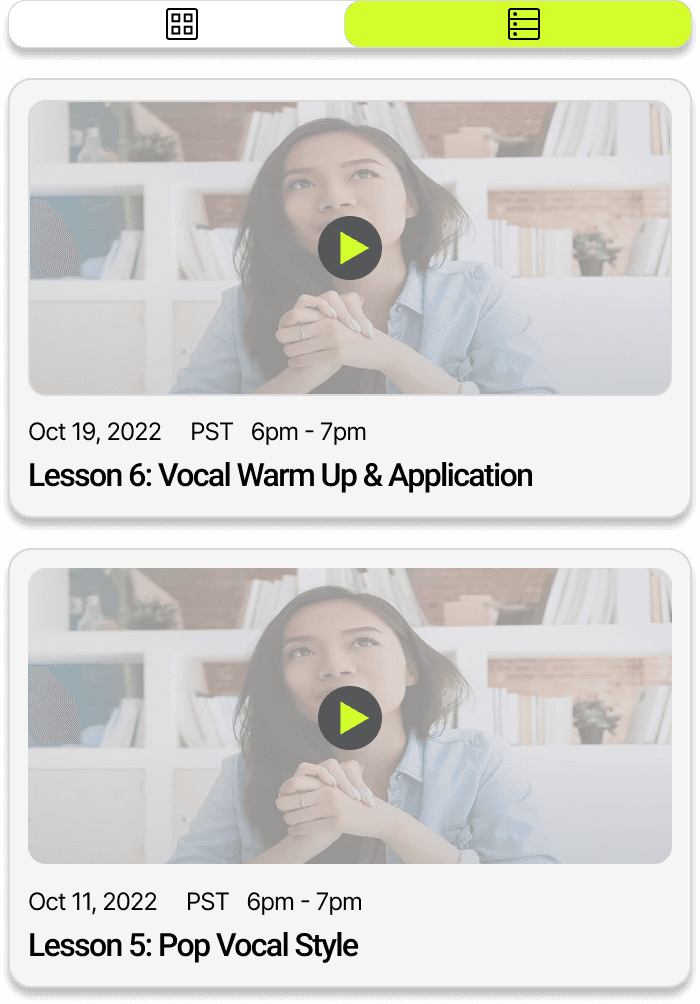
The Recording section allows users to review past lessons through video replays. Users can toggle between grid and list views for flexible browsing, making it easy to locate and revisit specific sessions.
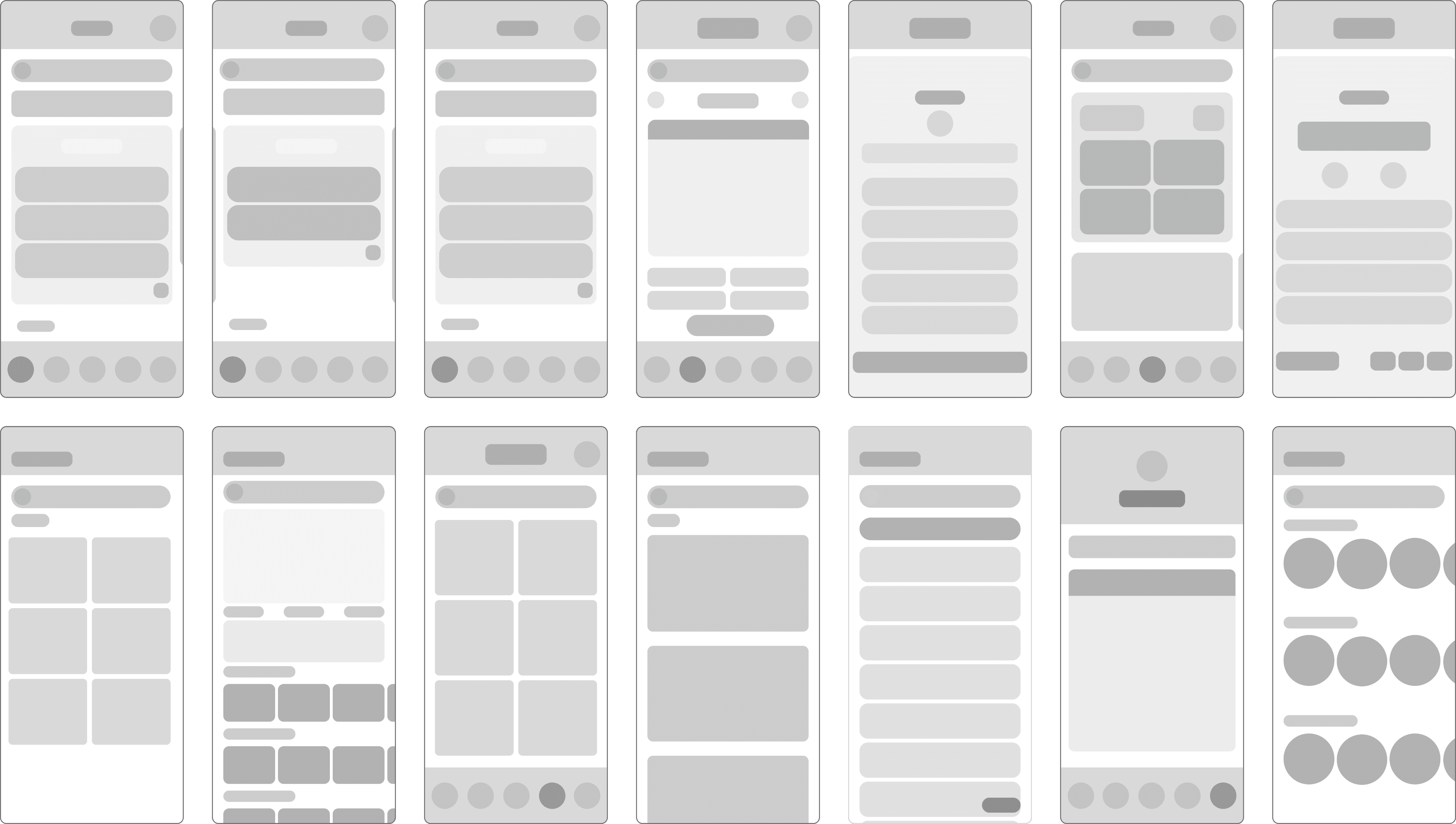
Wireframe
Design System
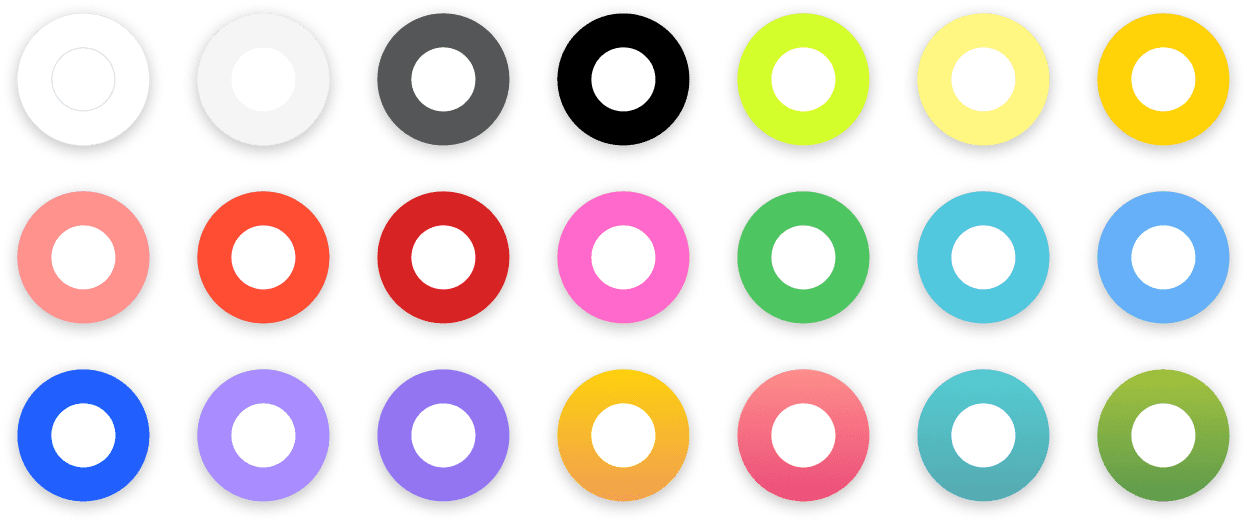
Color
Palette
FONT
ROBOTO
20
24
16
24
20
16
24
16
20
14
12
10
20
16
24
Bold
Semi Bold
Medium
Regular
Iconography